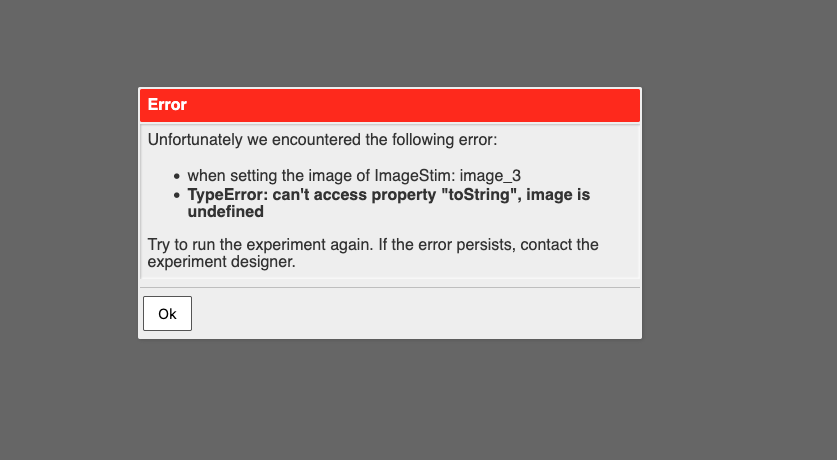
I am encountering the following issue: when loading my resources (there are quite a lot of them), I receive this type of error message. However, when I check both my local folder and the Pavlovia GitLab repository, the file in question is present.
At this point, I’m not sure where to look or what might be causing the problem. If anyone has any suggestions or advice, I’d really appreciate your help.
I just tried and got through all the files in the initial download. Do all participants see all items? I’m wondering whether you experienced a network or memory glitch.
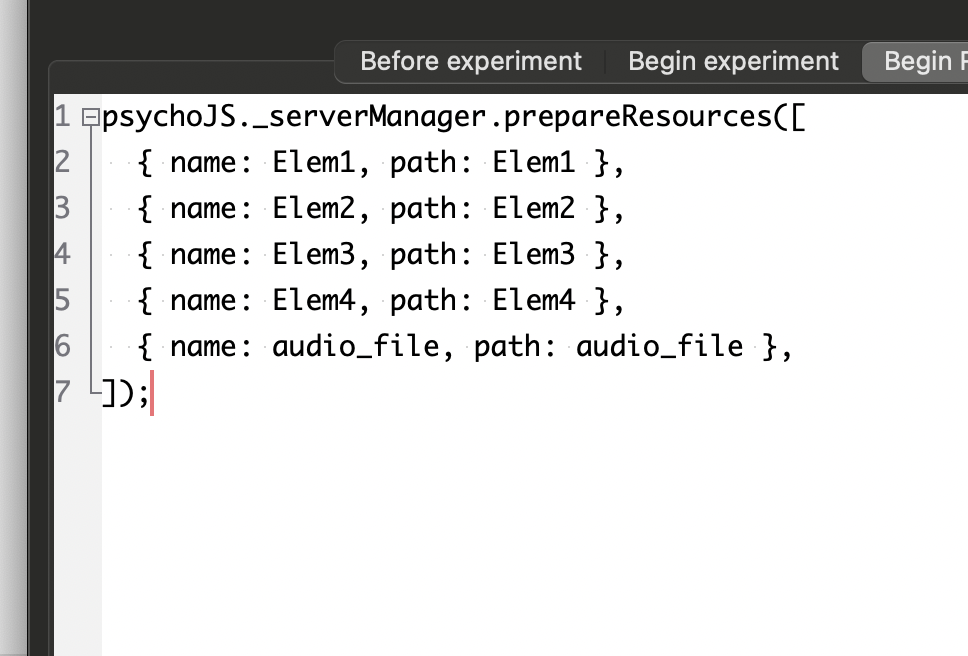
Perhaps you could try downloading individual files during the iti.
Most of the time the resources download correctly, but sometimes I get an error — and what’s confusing is that the file reported in the error changes each time.
Hello, I think I might have misimplemented it. I hadn’t had any problems since the 27th, but today when I ran my test, this error appeared. And the previous error also came back.
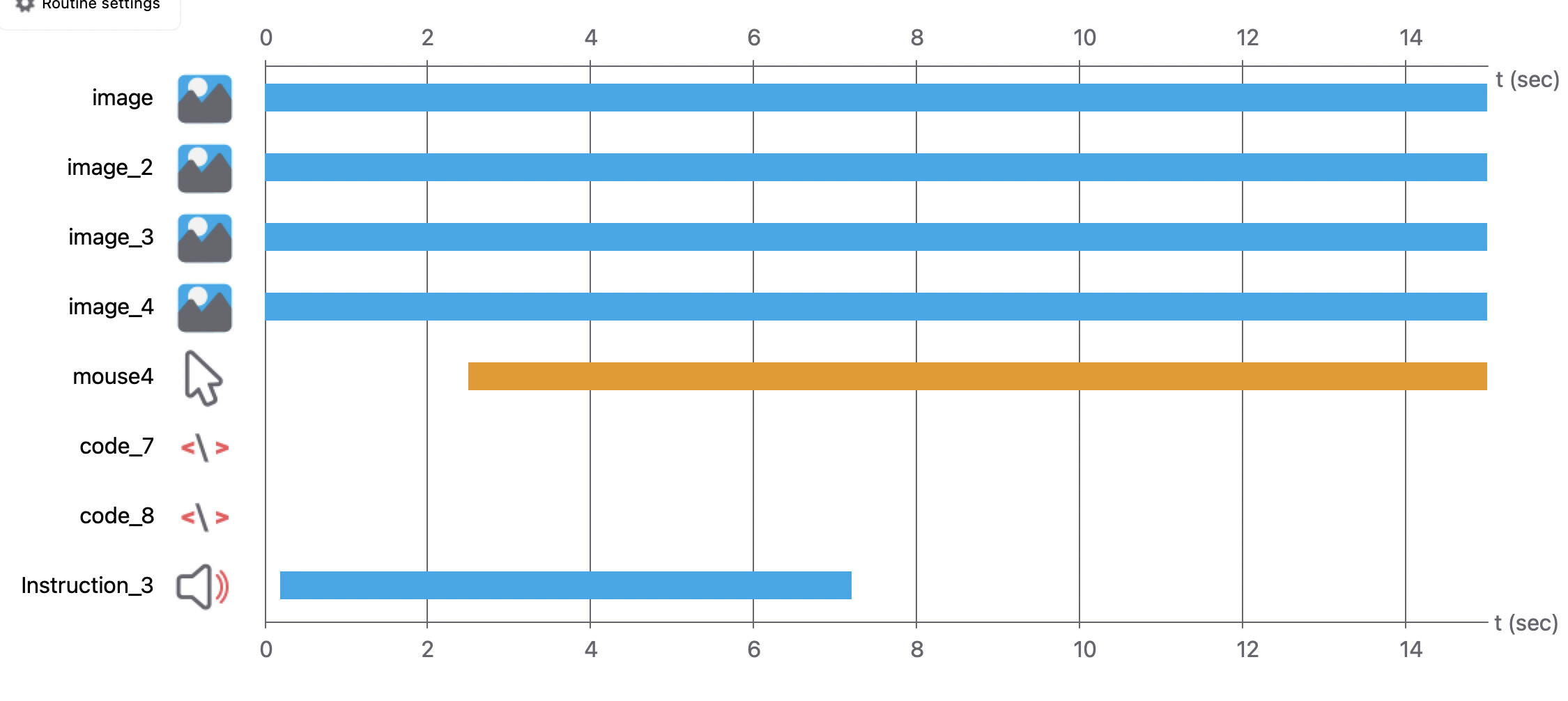
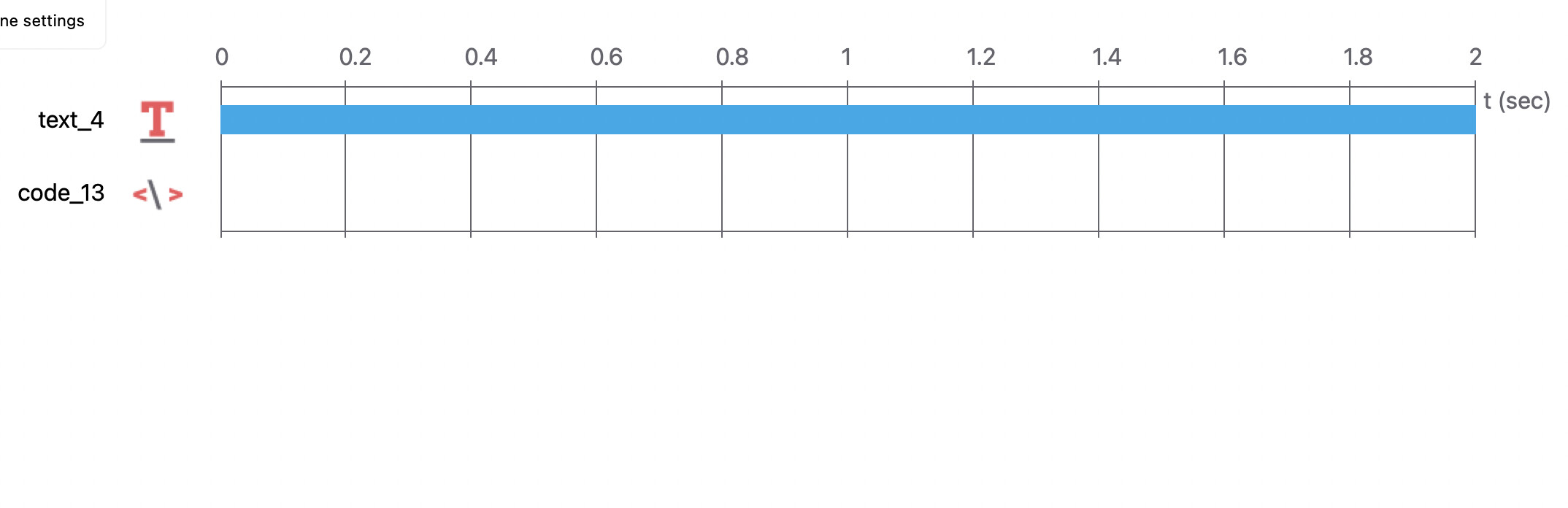
My trial look like this. I have a first loop where I select a file containing a set of items, and a second loop that opens this file and extracts the stimuli (audio and images)
I changed it and ran some tests. I don’t have any issues with it now, but I didn’t notice any difference in the loading system. If I ask Pavlovia to download the file in the background, am I supposed to be able to start the experiment without loading all the files first? Is that possible? Because reducing the loading time is one of the issues I’d like to address.
To prevent the files being downloaded at the start you might need to “hide” the spreadsheet. For example, instead of your loop pointing to conditions.xlsx it could point to $conditionsFile and then you could put conditionsFile = 'conditions.xlsx' in a Begin Experiment tab of a code component.