OS: Win11
PsychoPy version: 2025.1.1
Standard Standalone Installation? (y/n): Y
URL of experiment: RLT_vAlcohol [PsychoPy]
resources.zip (7.9 MB)
Hi all,
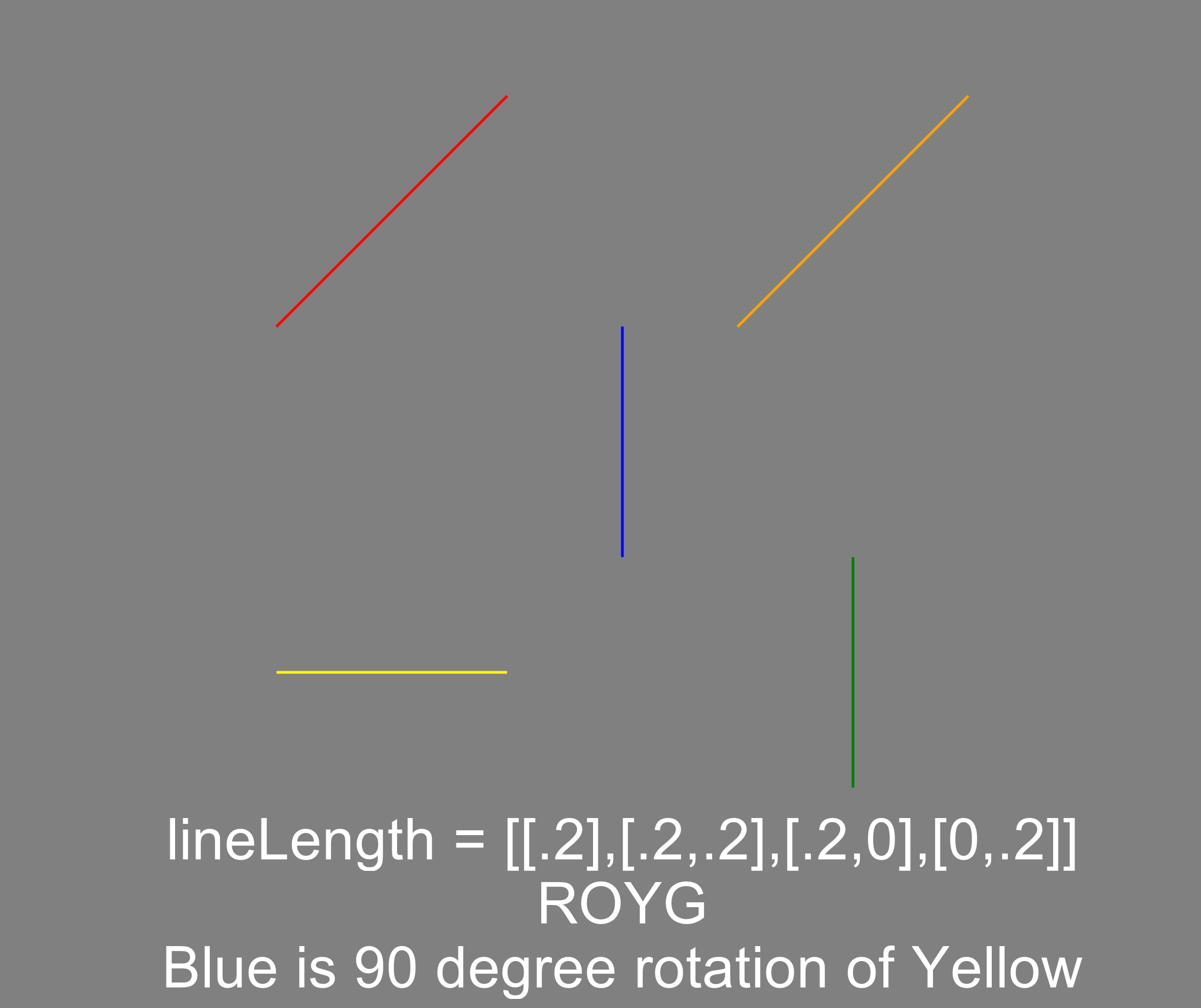
I used PsychoPy Builder to create a reversal learning task. The task runs exactly as intended locally, displaying all the stimuli correctly, keyboard inputs are functional, data file looks good, etc. Once I was satisfied with it locally, I added a survey component and synced it to Pavlovia. I use the survey to determine the type of stimuli that appears, which works as intended, but the experimental part no longer works. For instance, a vertical and horizontal line should both be on the screen, but only the horizontal line appears in the online version. The keyboard inputs no longer work as well.
I was wondering if anyone had advice for what to do/try in this situation. I’ve included a link to the online version as well as files for the local version–the resources.zip includes the .psyexp file, the condition files (in the settings folder) and stimuli (in the stimuli folder).
Thanks in advance!