Thanks! This fix did solve the error message. The “trial” and “correct_3” routines still don’t show up, though. Pavlovia doesn’t give an explicit error message when running the study - the instructions (first two routines) appear as normal, followed by a white screen instead of the “trial” and “correct_3” routines, and then the rest of the study (starting from “ask” routine) showing up properly for the most part (with a few seemingly-random errors).
Looking at the console, I found a bunch of warning about undefined attributes, mostly “size”:
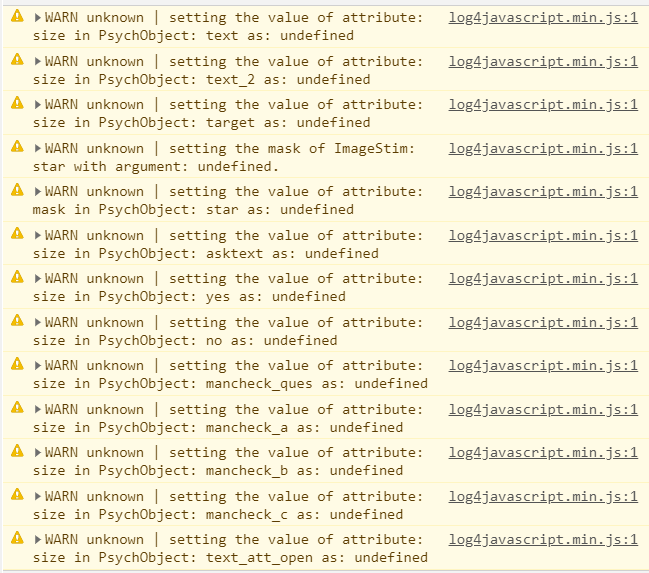
Taking as an example the variable ‘target’, I don’t see a ‘size’ attribute, but I do see ‘height’, which is set to 0.1, so I’m not sure where the ‘size’ attribute for ‘target’ would be set:
// Initialize components for Routine "trial"
  trialClock = new util.Clock();
  target = new visual.TextStim({
    win: psychoJS.window,
    name: 'target',
    text: 'default text',
    font: 'Arial',
    units: undefined,
    pos: [0, 0], height: 0.1,  wrapWidth: undefined, ori: 0,
    color: new util.Color([(- 1.0), (- 1.0), (- 1.0)]),  opacity: 1,
    depth: 0.0
  });
Setting ‘units’ to ‘norm’ or ‘height’ didn’t solve the issue. In addition, I don’t see a ‘size’ property for text.stim in the documentation.
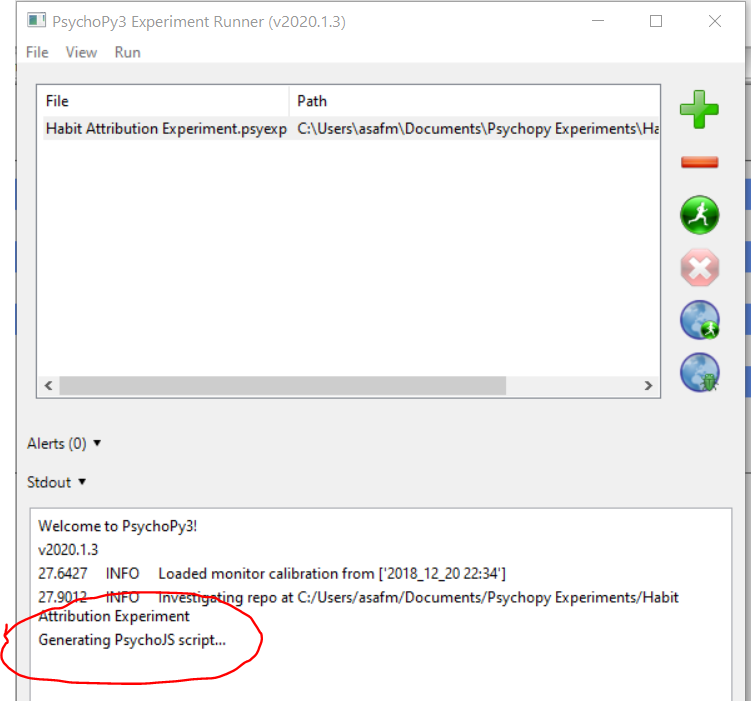
Now, because the study works fine offline, this made me think that something is funky with the html/js file exporting. I couldn’t pinpoint anything off with the html or js files on pavlovia (as far as I could tell). I tried removing and then re-creating the pavlovia repository, which didn’t help. I don’t know if it matters, but I noticed that when exporting the study to html, I see a message when the exporting process starts, but don’t see any message saying that it was exported successfully (below). The local html/js files seem fine, though.
Any idea how to approach this? In case it helps, here’s a link to the re-created repo. Thanks!